How to find and use a free font
Search the font list, save favorites, and copy the CSS or embed code.
Open the free fonts listSearch or filter
Search by name or by what you need, such as headline or code, or use the category chips: sans serif, serif, display, handwriting and monospace.
Preview and save
Preview opens the font on Google Fonts in a new tab, because this page does not load the fonts itself. The heart saves a font to the Saved filter, stored in this browser only.
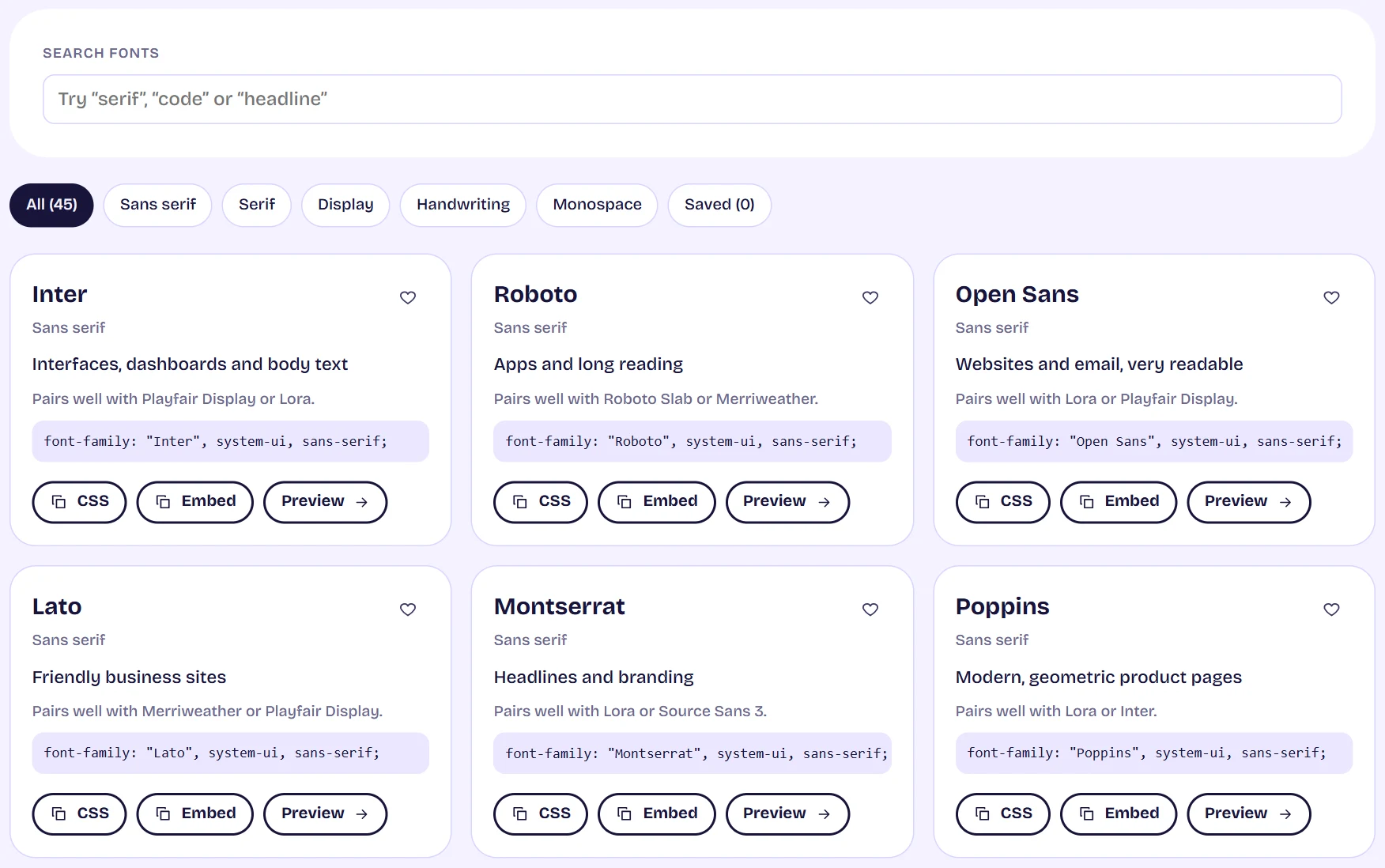
The free fonts list with a search box, category chips and font cards showing CSS and copy buttons Copy the code
CSS copies the font-family line with a sensible fallback. Embed copies the link tags for Google Fonts, asking only for the weights the family really has.
Tips
- Each card suggests fonts that pair well with it. Pair one sans serif with one serif for a safe start.