How to make a palette between two colors
Pick a start and end color, choose how many steps you want, and export the result.
Open the gradient palette toolChoose the start and end colors
Pick each color with the swatch or type a HEX code. The swap button between them reverses the direction. The first and last step of the result are always exactly the colors you entered.
Set the number of steps and the blend
Drag Steps from 3 to 20. Smooth (linear light) keeps midpoints bright, Perceptual (OKLCH) steps evenly by lightness and hue and suits scales, and Classic (sRGB) matches a plain CSS gradient. The line under the controls explains the one you picked.
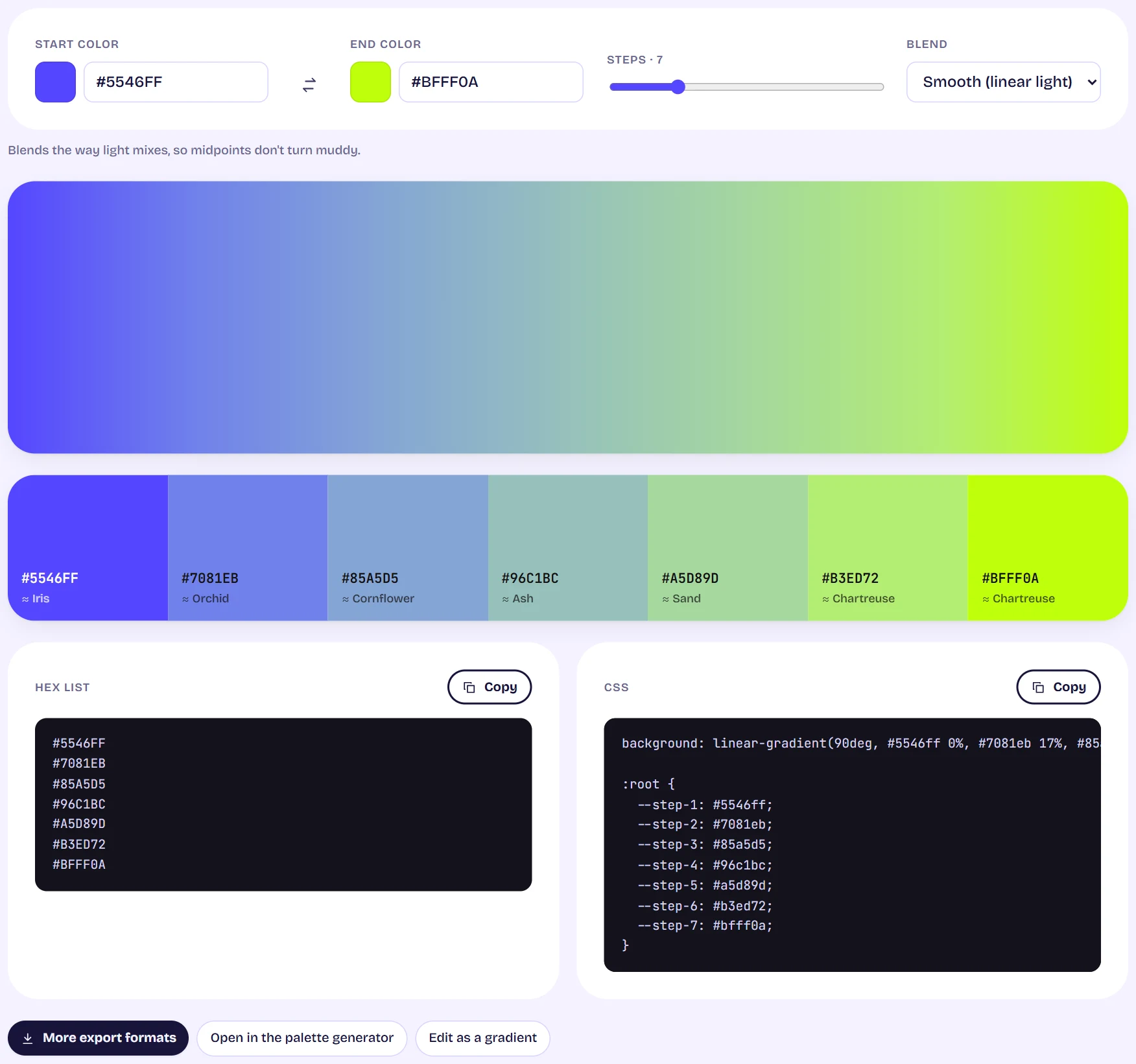
The gradient palette tool with start and end colors, a steps slider, a blend menu, a gradient preview and the resulting swatches Copy or export
Click a swatch to copy its code, or use the HEX list and CSS panels. More export formats opens the same export dialog as the palette generator. You can also open the colors in the generator, or send them to the gradient generator to edit as a CSS gradient.
Tips
- Use Perceptual for a UI color scale and Smooth for a gradient that will be shown as one smooth band.