How to browse and reuse gradients
Filter the gradient gallery, copy the CSS, or open one in the gradient generator to edit it.
Open the gradient galleryFilter the gallery
Use the chips above the grid to show warm, cool, pastel, vivid or dark gradients. The number beside All shows how many gradients there are.
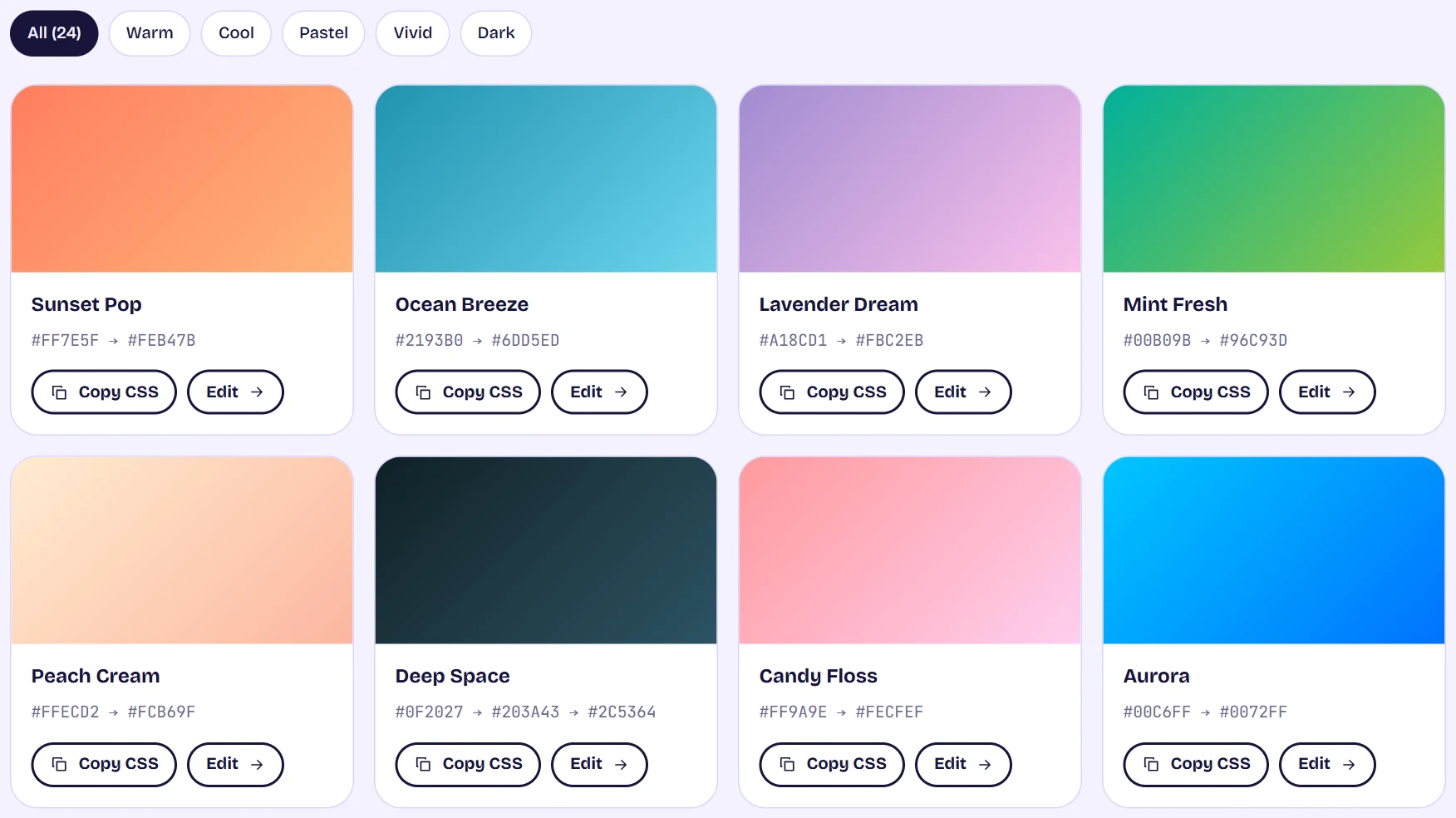
The gradient gallery with filter chips above a grid of gradient cards, each with Copy CSS and Edit buttons Copy the CSS or edit it
Copy CSS puts a ready background declaration on your clipboard. Edit opens the gradient generator with that gradient's colors, angle and stops already filled in, so you can change anything.
Tips
- A gradient holds up to 8 color stops, so a gradient with more stops is reduced to fit when you edit it.